
ADOBE PREMIERE PRO BETA | GENERATIVE EXTEND
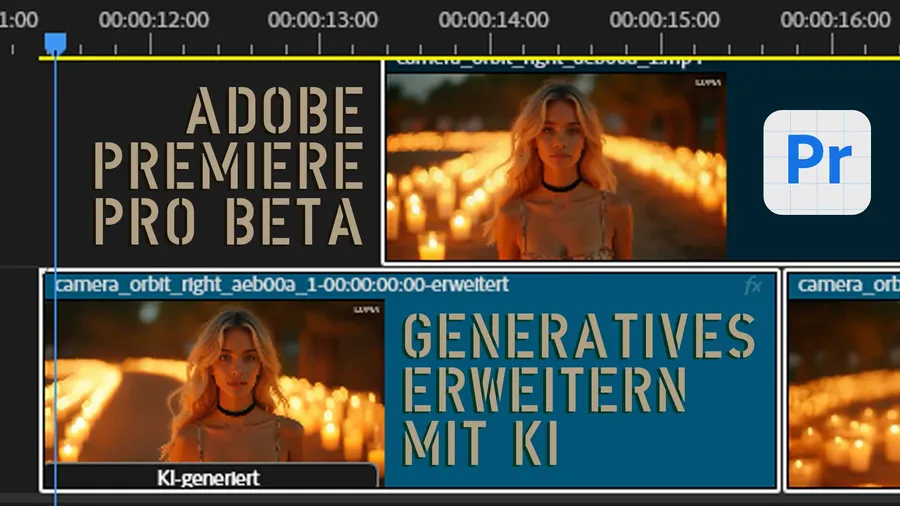
Adobe Premiere Pro now offers an exciting beta feature: Generative Extend using AI – currently unique on the market! I’ll show you how to work with the beta version, what limitations there are and whether the feature is worth it. Will this become my editing software of choice? Hardly, but it’s an exciting glimpse into the future of video editing. Take a look, subscribe to the channel and stay on top of all tech innovations! 🚀
I want to be completely honest with you. Premiere is not at all my editing software of choice. Even though the integration with After Effects and everything else Adobe can do is of course brilliant. But since I shoot so many live or live-on-tape productions – mostly with the ATEM Extreme here – I’m simply much better set up with DaVinci Resolve.
But Adobe is currently the only one offering Generative Extend with the help of AI.
I can have 50 frames, i.e. 2 seconds, added at the beginning or end of my footage. With some limitations – of course. We’ll look at that more closely today.
Before I switch to the computer and we take on Premiere Pro in the beta.
Let’s briefly look at my Adobe Cloud account. Under Applications there has been a “BETA” tab for some time. If we click on it, we see all the versions currently in development that we can try out as BETA testers.
For a long time only Photoshop was shown here, and you could already test some AI tools there. By now there are a great many test versions, and most recently there is also Adobe Premiere Pro in a beta. You always recognize them by these white icons with blue lettering.
When you’re the only one offering a feature, you can’t really complain about it. Adobe is the pioneer here. Absolutely to be acknowledged! Will I switch my editing software because of it – doubt it!
With a few clips it really worked well and I hardly or not at all noticed the transition to the original footage. Of course we’d like more frames – not just extending by 2 seconds – but by 5 or 10 seconds. And in all resolutions. Faster generation and more generations at the same time. All of it will surely come! A bit of patience… And if you want to shorten the wait for a new beta version, watch a few Alphatester videos. Subscribe to the channel, hit the bell. It’s always about innovation, tech and digital lifestyle here.
LINKS:
ADOBE: https://www.adobe.com/
DaVinci Resolve: https://www.blackmagicdesign.com/de/products/davinciresolve