“CAMERA THREE TO SPEAKER TWO!” – I now control my ATEM by voice
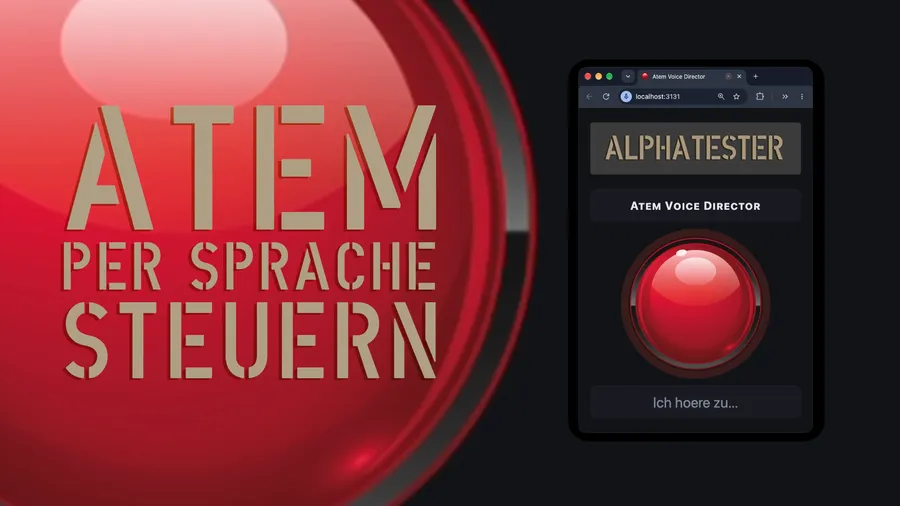
“CAMERA THREE TO SPEAKER TWO!” – I now control my ATEM by voice
I talk to my video mixer. And it listens.
Using an MCP plugin for the Stream Deck, I built a way to control my camera cuts by voice – instead of cutting on the ATEM myself. A small web app makes it possible: hold the space bar, speak the command, let go – and the cut goes out right away.
Watch the video right here:
Playing this loads a video from YouTube (Google), and your IP address is sent there. Learn more
This is what it looks like in the Stream Deck: the “MCP Deck” with the keys for switching cameras and views.
And it thinks bigger than just my own setup: with PTZ camera setups you could practically talk to the cameras as if they were real camera operators. For example like this:
“Camera three to speaker two.”
“Camera one, wide shot.”
“Camera two, lectern.”
No joystick, no clicking – just an announcement, and the camera does what you say.
What do you think – the future of live production or over-engineered? Tell me in the comments.