
You’re only telling me that now?

Discover the best hacks, hidden features and time-saving shortcuts for your everyday life on PC, Mac, smartphone and more. From DaVinci Resolve through browser tips to brilliant keyboard shortcuts – here you learn the little tricks that make life easier.
Take a look and become a shortcut pro!
CONTENTS:
01 Precision when editing: Shift key for finer control
02 Screenshots Windows + Shift + S
03 Chrome: restore tabs Ctrl + Shift + T
04 Refresh browser (Chrome & other browsers) Ctrl + R
05 WhatsApp video chat gestures
06 Minimize windows (Windows) Windows + D
07 Clipboard history (Windows) Windows + V
08 Quickly lock your PC (Windows & Mac) Windows + L
09 Quickly open the Task Manager (Windows) Ctrl + Shift + Esc.
10 Open the emoji keyboard (Windows & Mac) Windows + . (period)
11 ChatGPT in WhatsApp
01 Precision when editing: Shift key for finer control
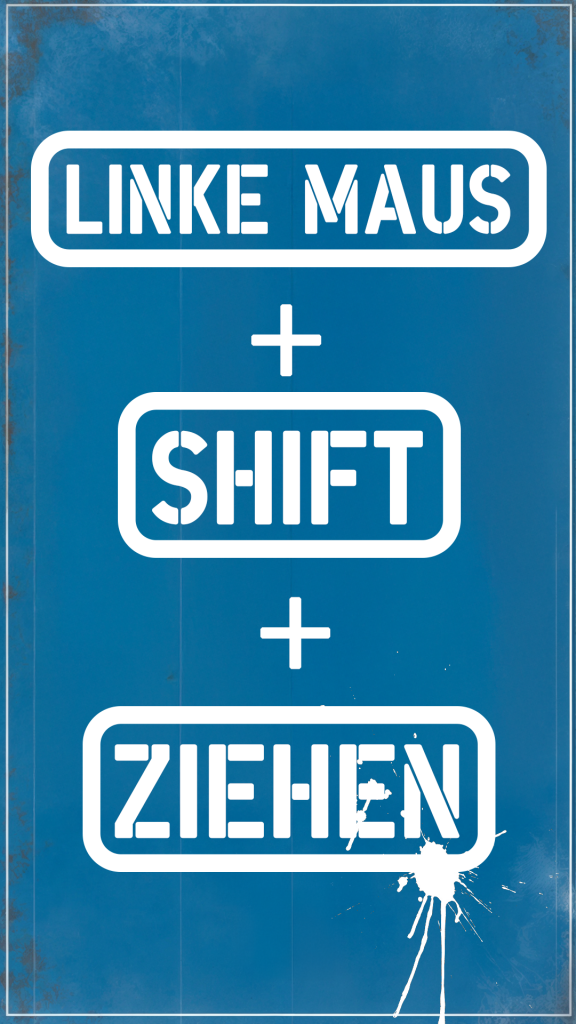
Sometimes it’s the little tricks that take you infinitely further.
In my editing software DaVinci Resolve I discovered something I absolutely have to share with you: when you want to make an image larger or smaller, for example. Or: turn the sound up and down, you can just drag the number with the mouse. For sound you can also drag on the track here and the volume changes. But that’s super imprecise and frustrating. And that’s where my tip comes in. Drag and at the same time hold the Shift key pressed.
That makes my adjustment finer. I don’t change by 10 points at once, but only by one.
In Photoshop it’s exactly the other way round, by the way. Holding Shift and dragging moves my layer further than without Shift.
02 Screenshots
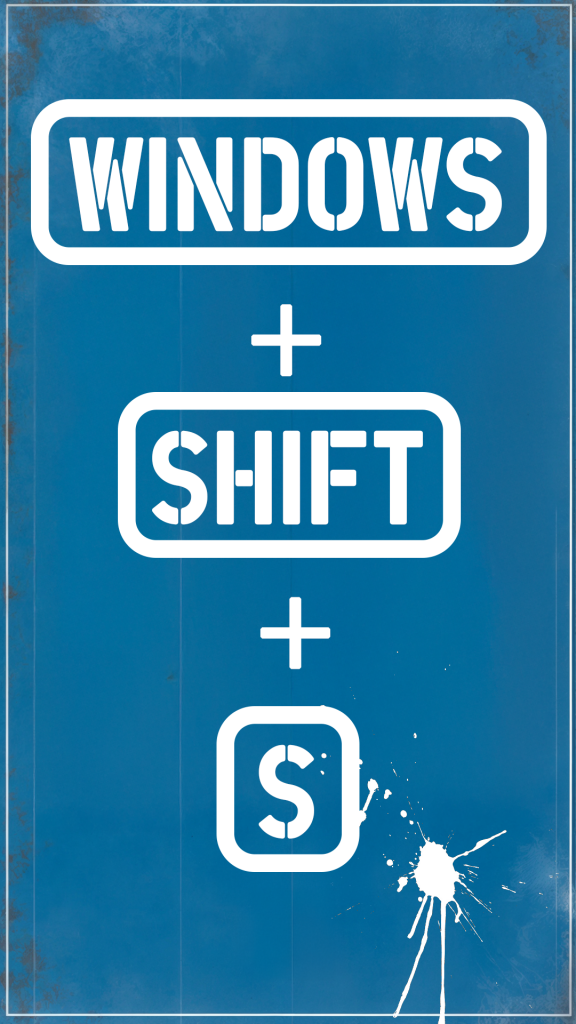
If you want to take a screenshot in Windows, you don’t need an extra program. Just press Windows + Shift + S – and you can already select the area you need with the mouse. The screenshot lands directly in your clipboard. Perfect for quick notes or sharing info. No annoying saving or installing extra tools!
Email open, CTRL + V – screenshot pasted.
Photoshop open, new file, the clipboard is shown as the size. Select. CTRL + V. Done.
Small bonus: if you still have a Print key on your keyboard, you can use Windows + Print Screen to save your screenshot automatically in the Pictures folder. Super handy, right?

03 Chrome: restore tabs
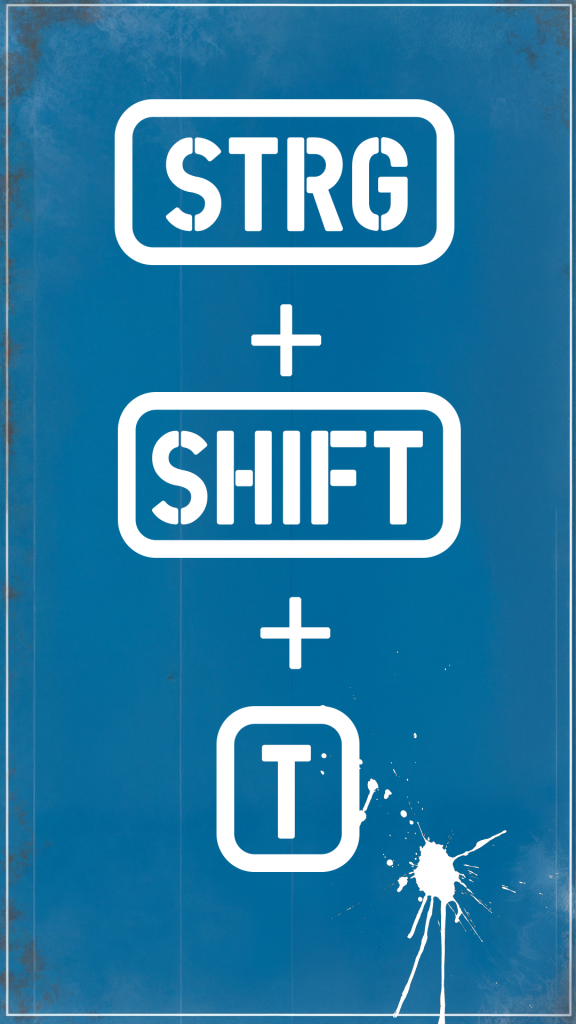
That you can restore accidentally closed tabs with a keyboard shortcut.
Accidentally closed a tab? No reason to panic!”
It happens to everyone: you accidentally close a tab in the browser, and that one was super important. No problem! Just press Ctrl + Shift + T (or Cmd + Shift + T on the Mac), and the closed tab is reopened immediately.
The best part? You can press this shortcut several times and so bring back tabs from older sessions too. Never again the question: ‘Where was that again?’ – your browser has saved everything for you!”
04 Refresh a web page (Chrome & other browsers)
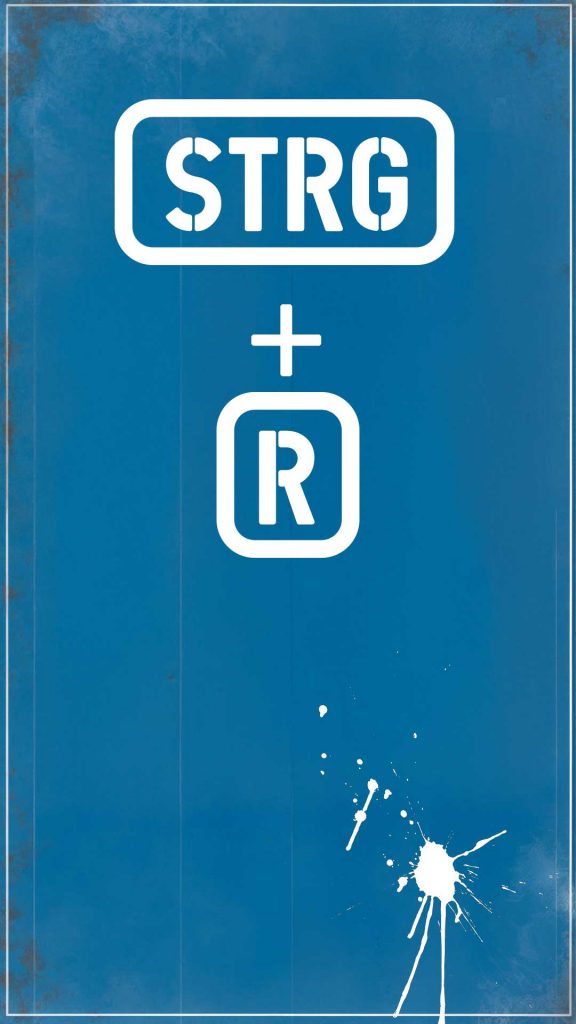
Just press Ctrl + R (or Cmd + R on the Mac),
and the page reloads.
But sometimes that isn’t enough, because the browser loads content from the cache. So it doesn’t show the current version of the website at all, but its last saved version.
That’s where Ctrl + Shift + R (or Cmd + Shift + R on the Mac) comes into play. It reloads the page completely and ignores the cache – perfect when changes aren’t showing up!”
05 WhatsApp video chat gestures

During a video call you can simply make certain gestures, and WhatsApp recognizes them automatically:
- A heart made with your hands shows… who would have thought:
a heart! - Raise your thumb for a thumbs up
- Thumbs down exists too, of course!
- Both thumbs up – and boom!
A digital firework appears on the screen. - With two thumbs down it starts to rain – uhhh.
- With a double rock sign you trigger a laser show
- and with the peace sign 99 balloons rise up.
I triggered the fireworks “by accident” recently and that’s how I even came up with this video. Pretty cool, right?
06 Minimize windows (Windows) Windows + D
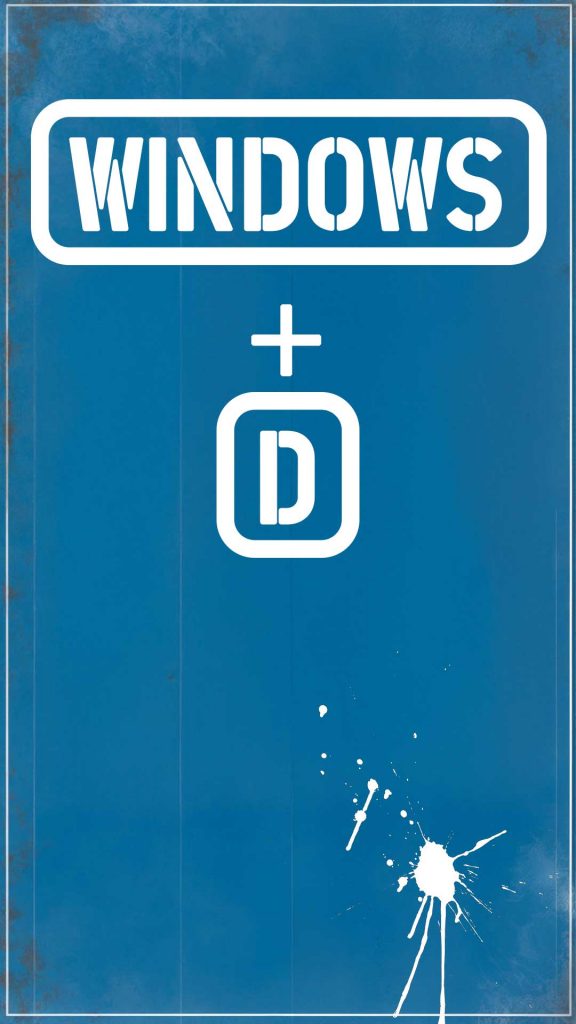
This shortcut – Windows + D – instantly minimizes all open windows and shows you your desktop. Perfect when you want to quickly open a file or shortcut. Press the combination again and all windows come back exactly as they were. Simple and brilliant – especially in stressful moments when you lose track!
Or just to catch your breath. I just noticed it myself. A few seconds of a clear screen, breathe, and you can carry on.
07 Clipboard history (Windows) Windows + V
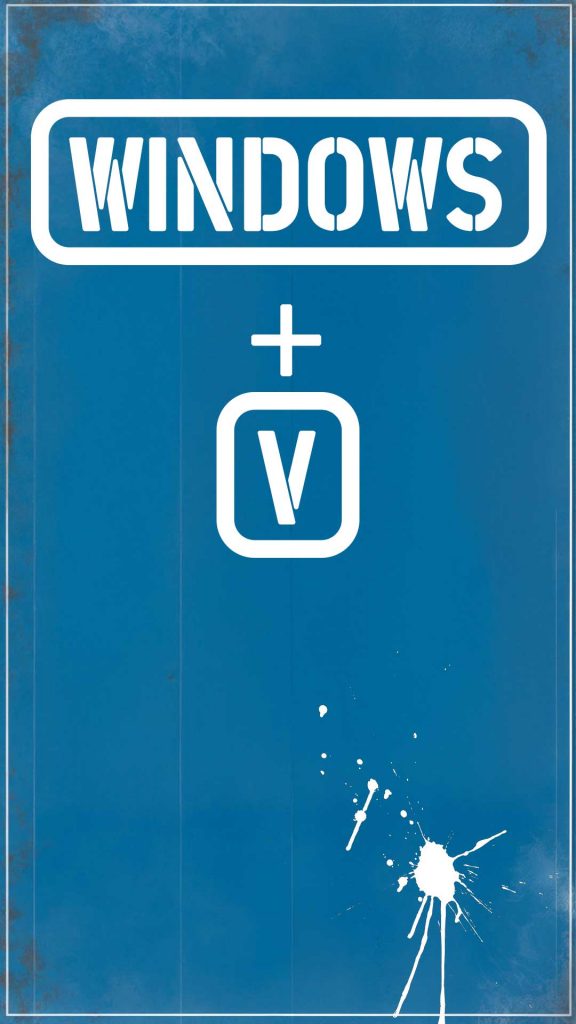
If you ever need more than just the last copied item, this shortcut is worth its weight in gold.
Just press Windows + V, and you see everything you copied recently – text, links or images.
You can even paste older items again without having to copy them anew.
08 Quickly lock your PC (Windows & Mac)

Just press Windows + L (Windows)
or Cmd + Ctrl + Q (Mac).
And your PC is locked, and nobody can access it.
Super handy when you have to step away briefly!
Try it right away!
09 Quickly open the Task Manager (Windows)
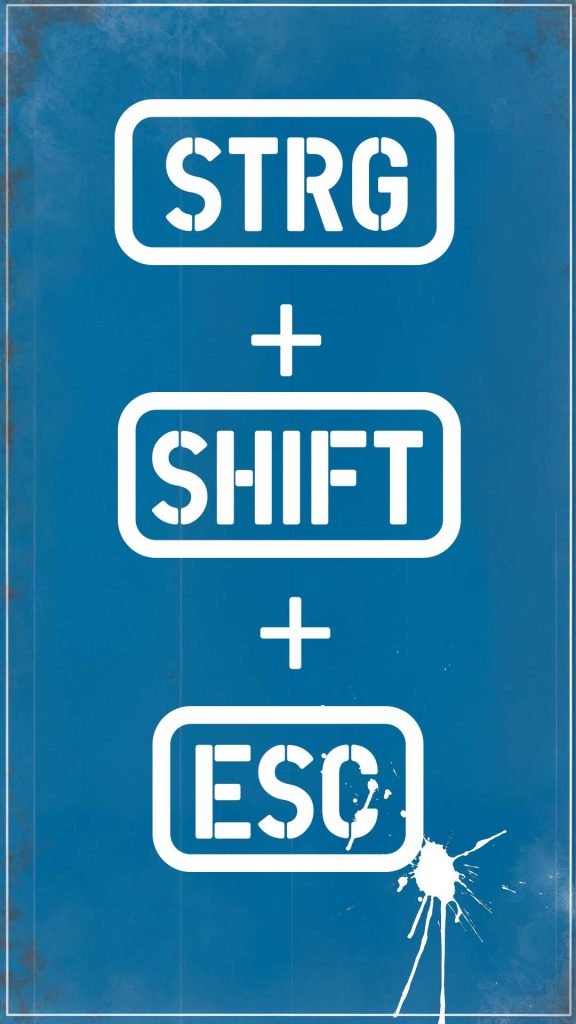
Your PC is hanging again? – knock knock – a program is frozen?
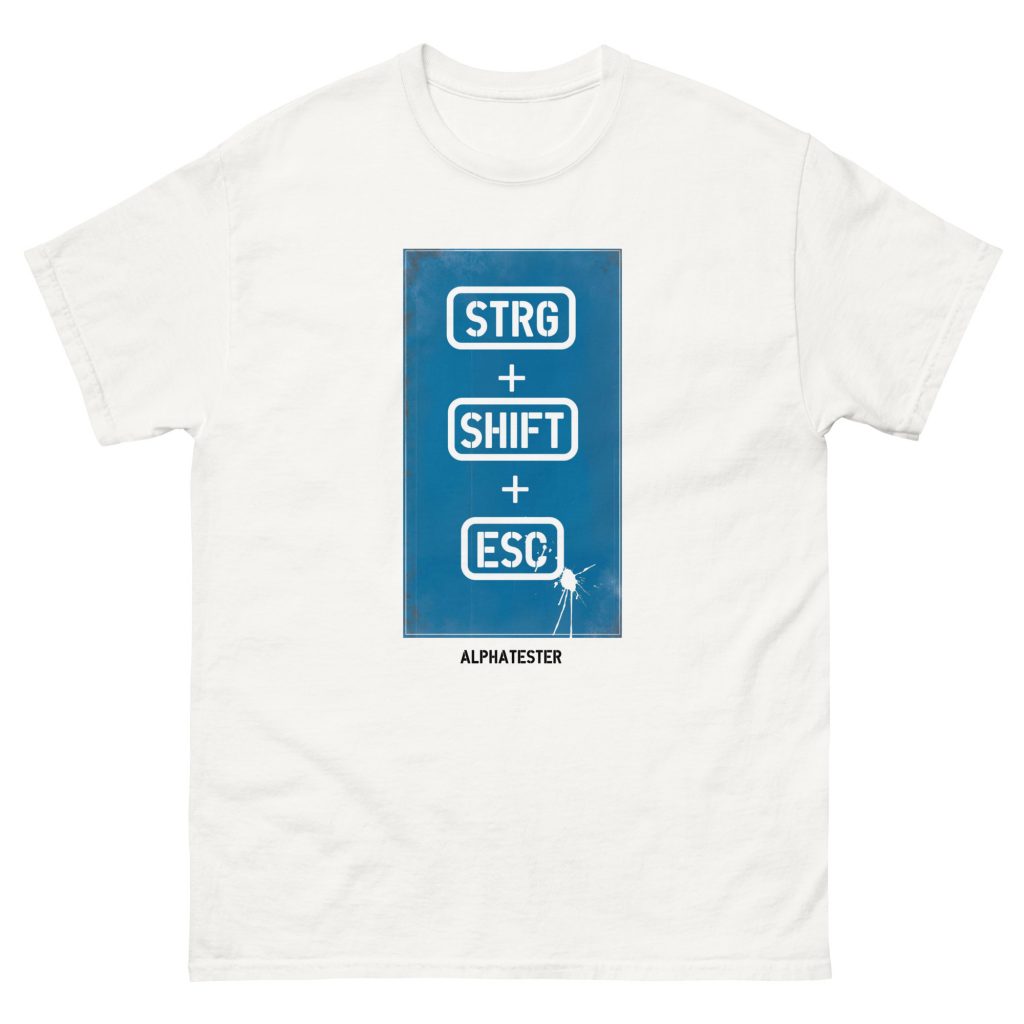
Just press Ctrl + Shift + Esc.
And the Task Manager opens, and you can check what is slowing down your PC.
Perfect for ending crashed apps or checking performance.
Try it right away!
10 Open the emoji keyboard (Windows & Mac)

I’m Gen X and male on top of that.
My emojis are limited to thumbs up and heart.
If you use emojis more often: then on Windows you press
the keys Windows + . (period)
or on the Mac Cmd + Ctrl + Space.
And the emoji keyboard opens, and you can choose from hundreds of emojis.
Perfect for chats, emails or social media!
11 ChatGPT in WhatsApp
Just save the number: +1-800-CHATGPT
or +1-800-2428-478 as a contact
and the OpenAI logo appears.
The chat then works like with any other contact – except that you get an answer faster.
So if you’re on WhatsApp all day anyway, you can skip the ChatGPT app and simply keep writing in WhatsApp.
Is that something for you?
Try it out: +1-800-CHATGPT