KREA AI vs Photoshop - The ultimate test for Generative Fill.

I actually wanted to do a post about the new EDITOR from KREA AI. But while testing I noticed: wait a minute – Photoshop can do that too!
Generative Expand. Generative Fill. Swapping objects in the image, cutting them out and so on. I had already edited a lot of images in KREA AI – but that made me curious:
So I ran the same images through Photoshop again.
Who delivers the better results? And what does it cost in the end?
I tried it out for you:
KREA AI vs Photoshop – The ultimate test for Generative Fill.
Playing around with Krea AI was enormous fun, especially how the new images come about fascinated me completely, how you practically see the AI thinking and making things up, but this brainpower isn’t free. I quickly burned through half of my monthly credits with image expansions. Fair enough – Photoshop isn’t free either – you also pay a monthly or yearly subscription. But the image generations are then free and three versions are always prompted at once. And: in Photoshop I can add a prompt when using Generative Expand. With Krea I first just drag the image larger and see what happens.
I would have liked to see Krea AI in first place here, but my honest opinion: Photoshop is the more professional tool in this case and, apart from the monthly costs, you can expand until the cows come home!
Here you can see KREA AI eating my credits…
Of course it could be that the display simply updated at that moment, but overall the consumption was significant when expanding.
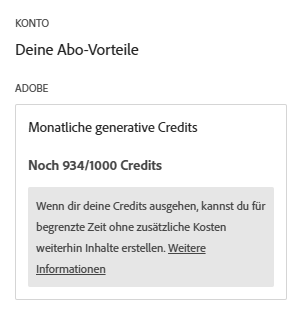
@KR47798 on YouTube pointed out another thing to me: at ADOBE I also use credits when expanding. Thanks for the hint!! I checked in my Adobe Cloud account and I still have 934 of 1,000 credits left. So very little used.
And with Photoshop I ran exactly the same tests as with KREA AI.
Here you can look at the different outfits once more:




Here is my KREA AI – PHOTOSHOP comparison when swapping objects:
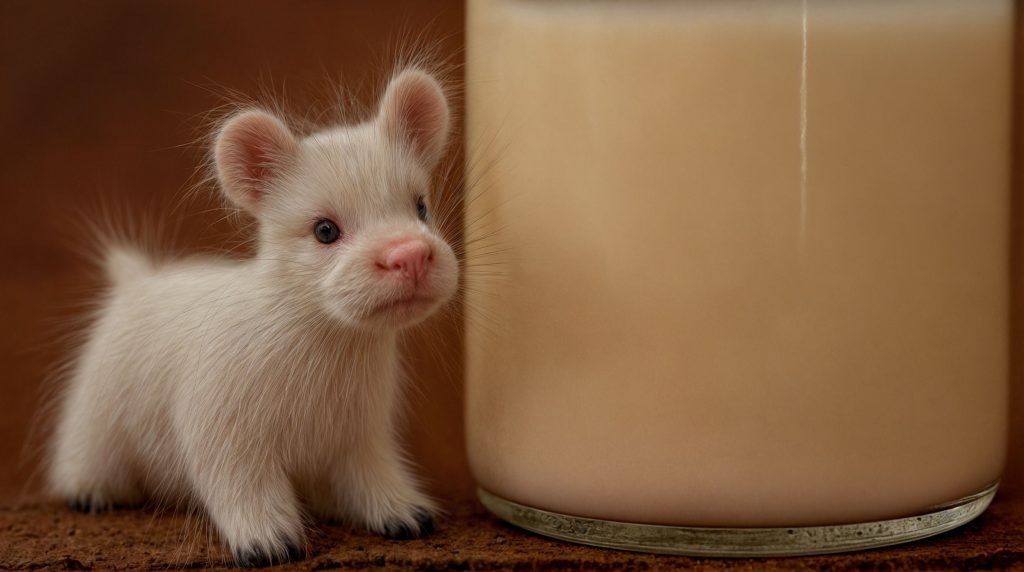
What kind of animal is that?
LINKS:
KREA AI: https://www.krea.ai/edit