
AI marvel: Photoshop now rotates ANY 2D object in 3D!
AI marvel: Photoshop now rotates ANY 2D object in 3D!
From flat pixels to rotatable worlds: the latest Photoshop beta makes the impossible possible. I put the new “Rotate Object” tool through the extreme test – including unexpected anatomical wonders and bizarre content-policy blocks.
In recent months Adobe Photoshop has practically reinvented itself every week with AI features like “Generative Fill” and “Expand”. But what has now shown up in the Photoshop Beta (version 27.5) borders on magic: the “Rotate Object” tool. With one click it turns an ordinary 2D photo into a three-dimensional model that you can rotate in space.
Watch my complete test video right here:
The 3D revolution in the beta
The principle is astonishingly simple. In the video I grabbed a car, cut it out and placed it on a road. With the new command the car transforms into a 3D grid. Suddenly I can adjust the sideways rotation as if I had moved the camera while photographing.
What still looks pixelated in the preview is only rendered in high resolution by the AI after you click “Done”. And the result? If you don’t push the perspective too extremely, it is absolutely razor-sharp and keeps the original textures.



The credit system: 20 points for a miracle
An important point for everyone who wants to try the feature: every first conversion of an object into the rotatable 3D format costs 20 Generative Credits. That’s considerable, but Adobe chose a fair approach: once the object is in 3D mode, you can reorient and render it as often as you like within that layer without paying further credits.
The extreme test: a dog learns to swim
I wanted to know: does the AI only recognize the shape or also the nature of the object? I took a dog underwater snapping straight into the camera. I cut it out and turned it 90 degrees to the side.
The result was a fail and a wonder at the same time. In the preview it still looked like pixel mush, but after rendering the dog suddenly had hind legs! The AI got it: “That’s a dog, it needs legs at the back,” and simply invented them. Anatomically still a bit idiosyncratic, but as a technological leap absolutely impressive.


When the AI says “No”: policies & sailors
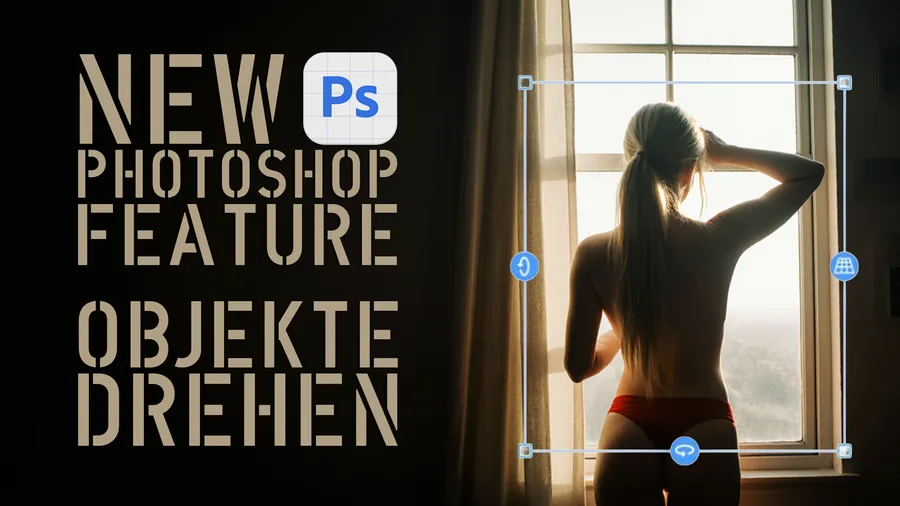
Of course I also wanted to settle the burning question: what does the lady from the thumbnail (the figure at the window) look like from the front? But when I clicked “Rotate Object”, the block came: a notice about policy violations. Adobe currently won’t let us turn this model around.
Particularly bizarre: Photoshop also refused service with a fully clothed sailor . The AI policies currently still seem extremely strict with human figures and sometimes almost arbitrary. The beta reaches its limits here.


Conclusion
Whether for product photography, lettering in space or complex composites – the “Rotate Object” tool is a huge addition to Photoshop. Sometimes an inserted object really is off by a few degrees… click, turn, fits!
I’m absolutely thrilled with this novelty. If you are too, subscribe to my channel and like the video for more innovation, tech and digital lifestyle.
BRAND NEW in the ALPHATESTER SHOP
-
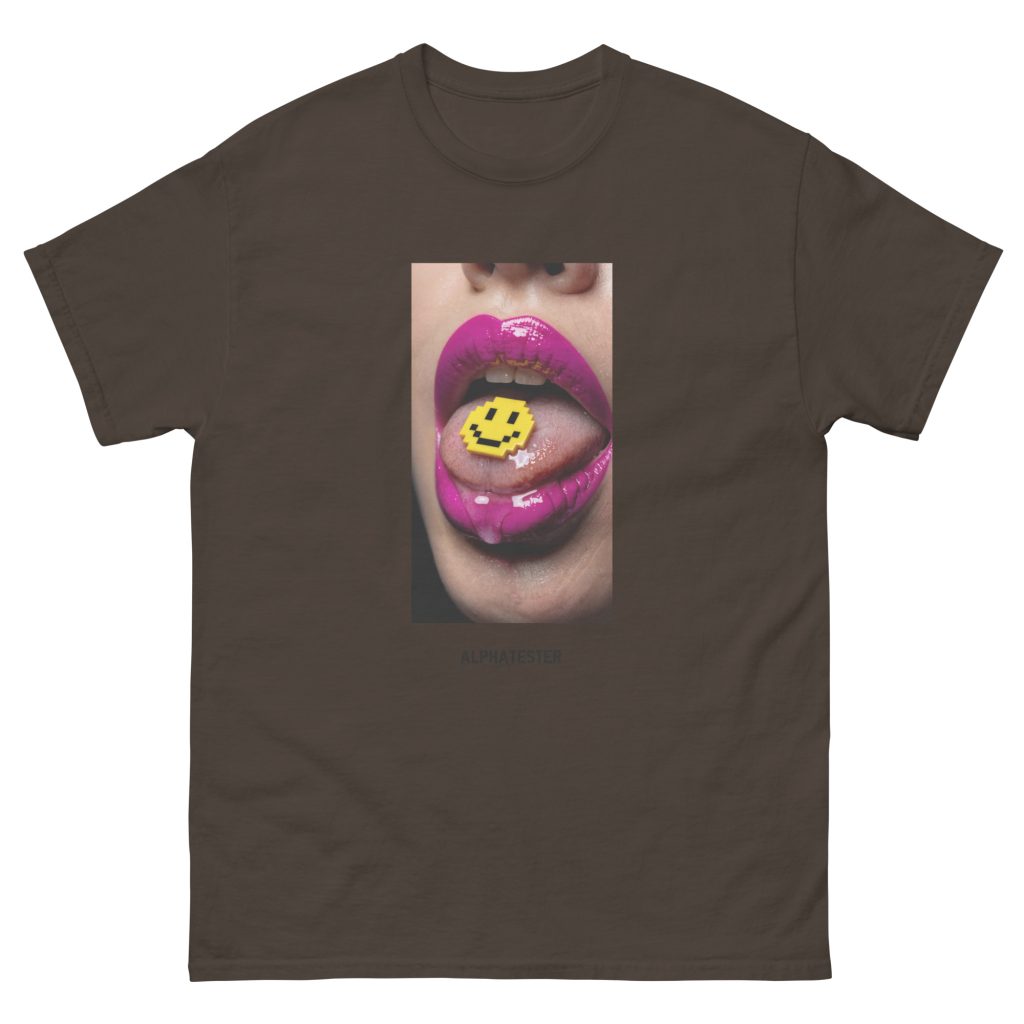
ALPHATESTER pixelated smile T-shirt
14,99 € incl. VAT, plus shipping -

ALPHATESTER ginger ascent T-shirt
14,99 € incl. VAT, plus shipping -
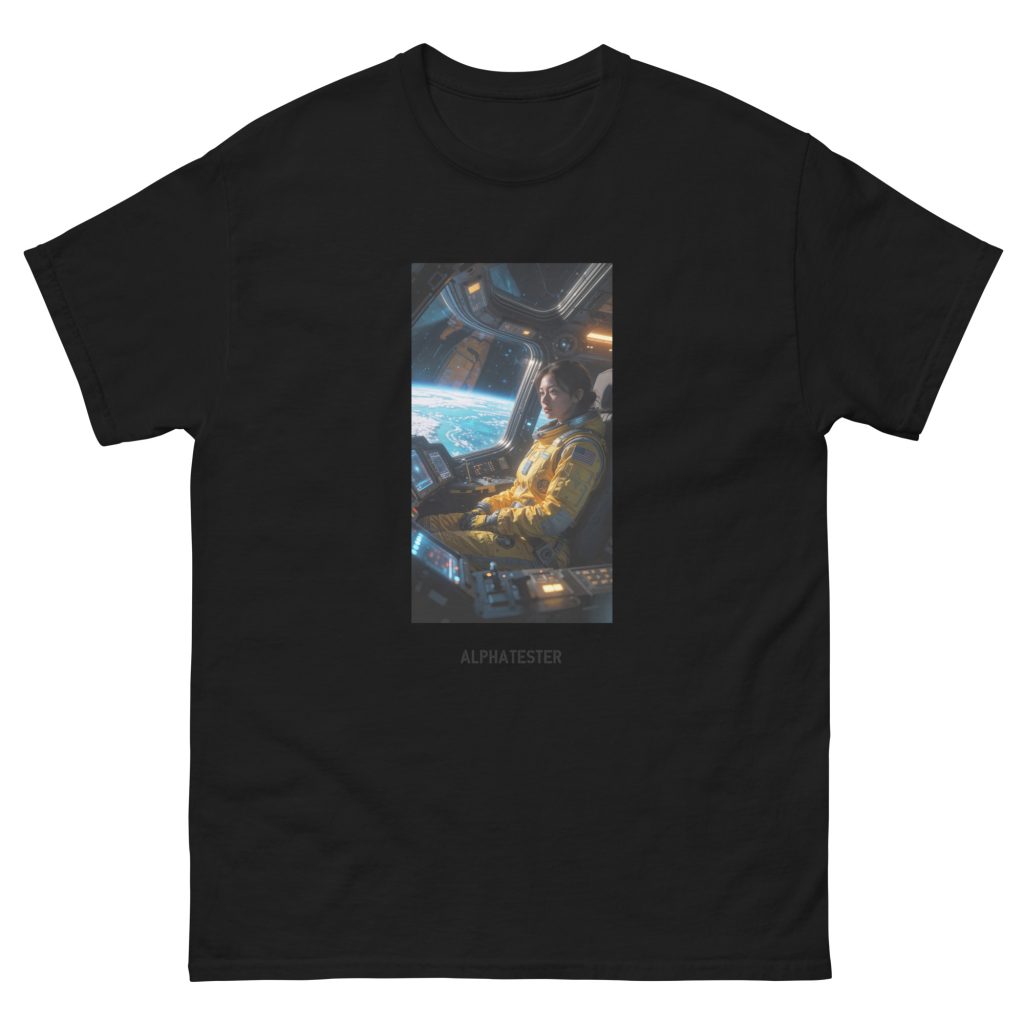
ALPHATESTER yellow gaze T-shirt
14,99 € incl. VAT, plus shipping -

ALPHATESTER antique instrument T-shirt
14,99 € incl. VAT, plus shipping -

ALPHATESTER little monster T-shirt
14,99 € incl. VAT, plus shipping -

ALPHATESTER antique mirror T-shirt
14,99 € incl. VAT, plus shipping -
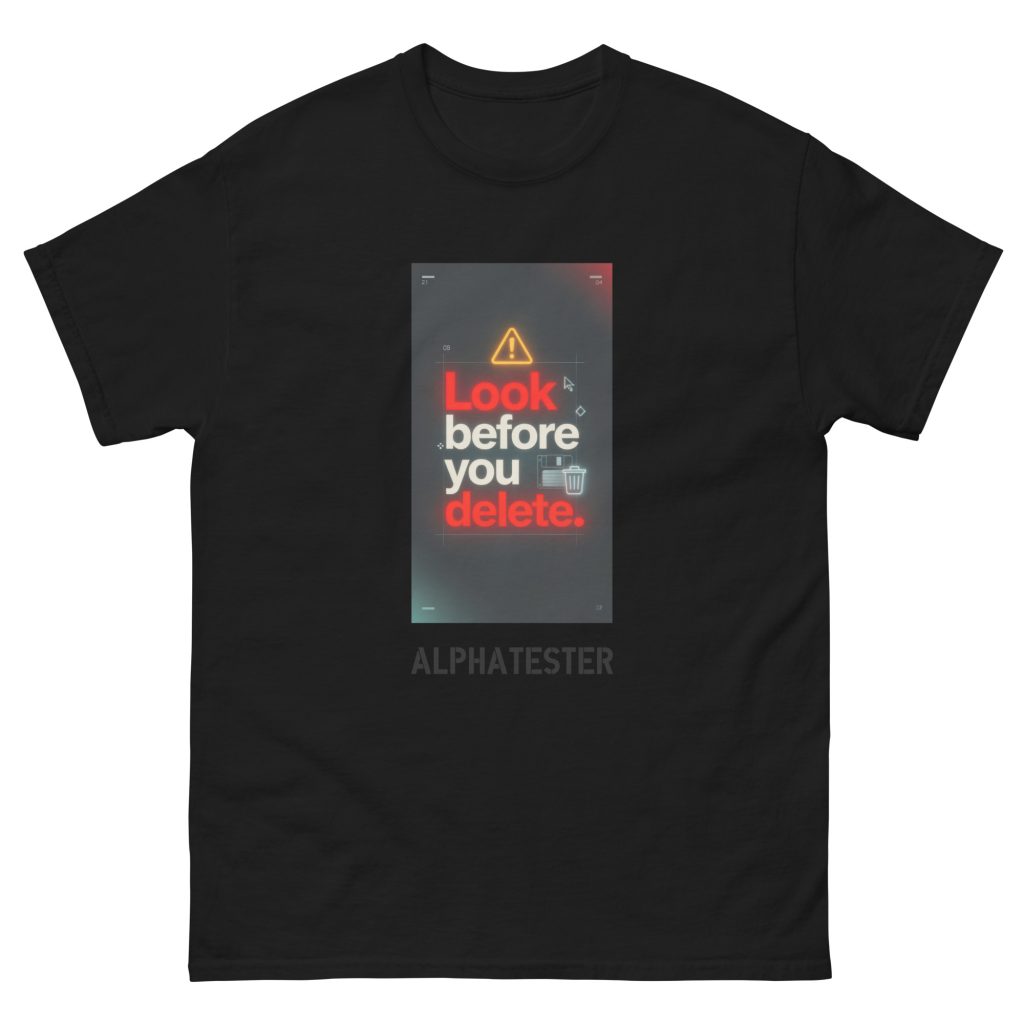
ALPHATESTER delete T-shirt
14,99 € incl. VAT, plus shipping -

ALPHATESTER barefoot solitude T-shirt
14,99 € incl. VAT, plus shipping -

ALPHATESTER golden honey T-shirt
14,99 € incl. VAT, plus shipping -
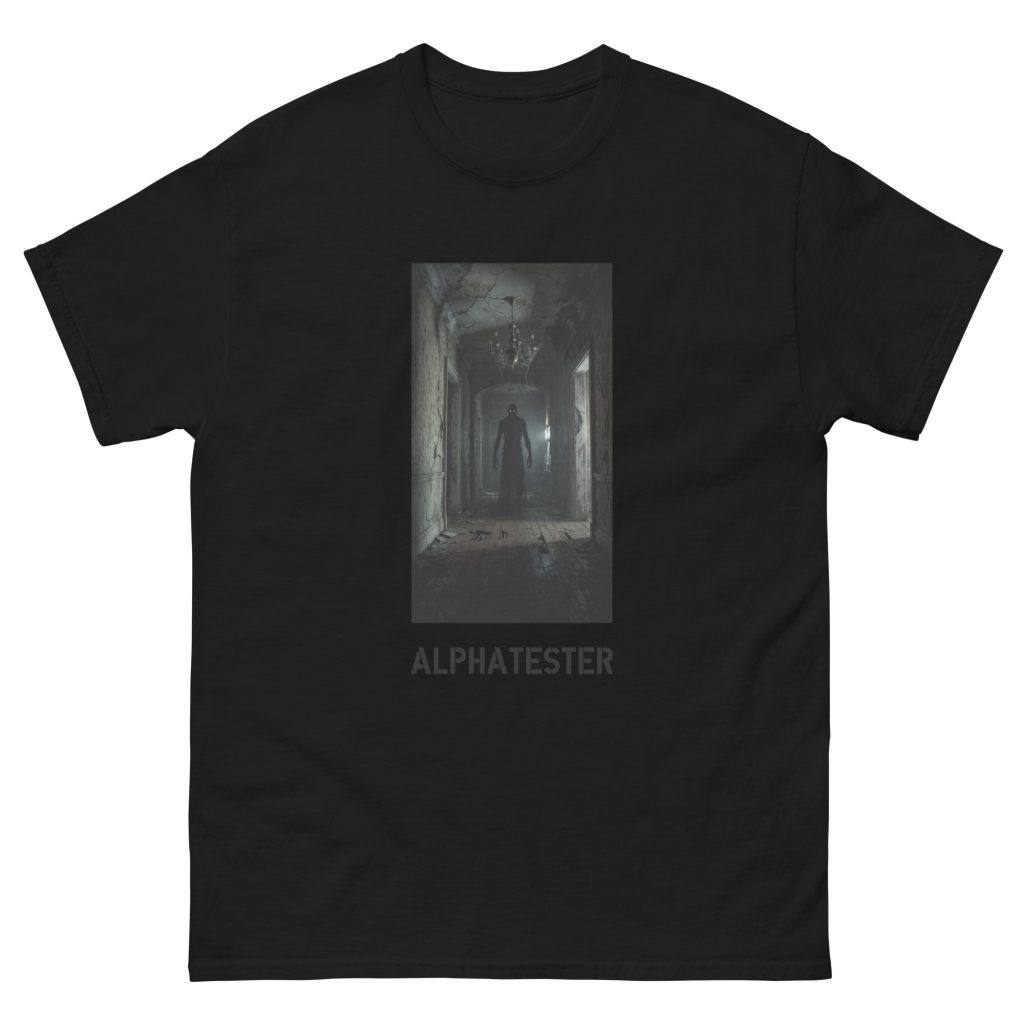
ALPHATESTER veiled figure T-shirt
14,99 € incl. VAT, plus shipping -
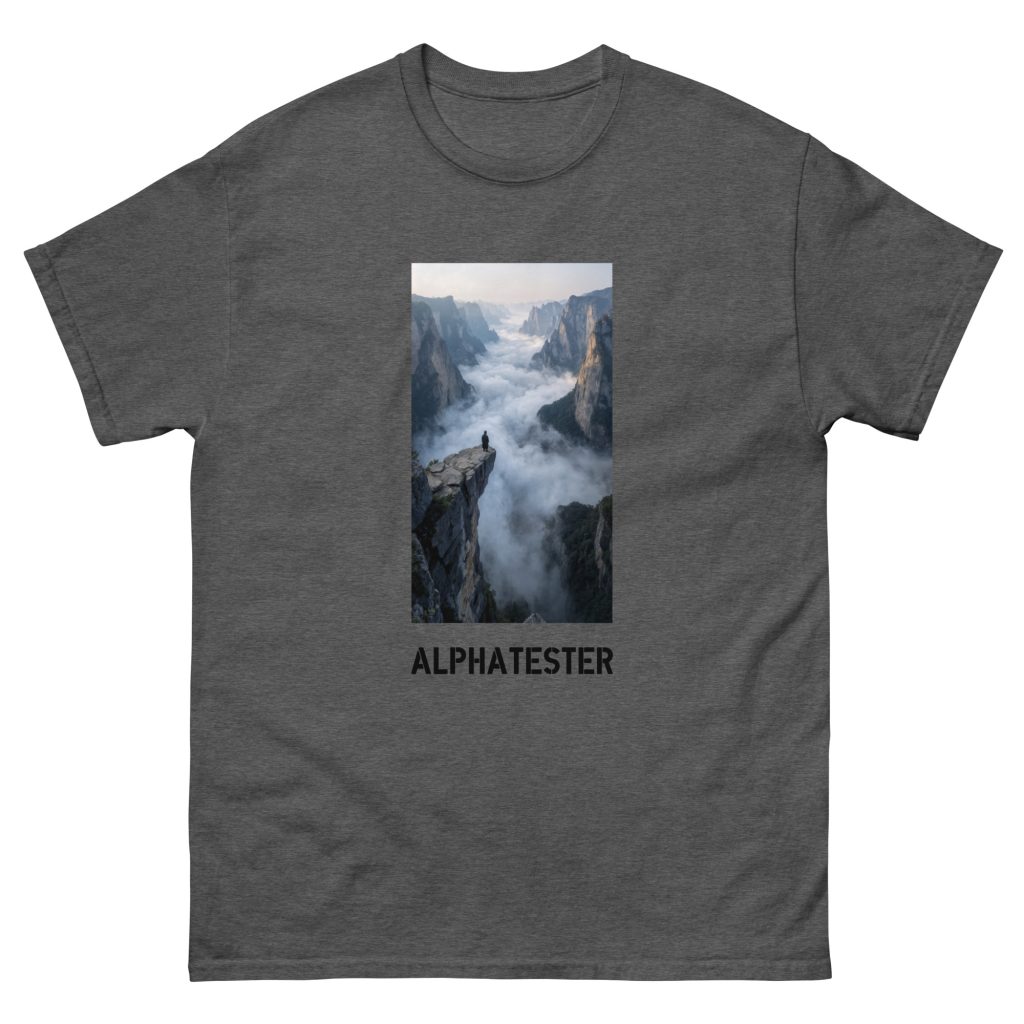
ALPHATESTER distant cityscape T-shirt
14,99 € incl. VAT, plus shipping -
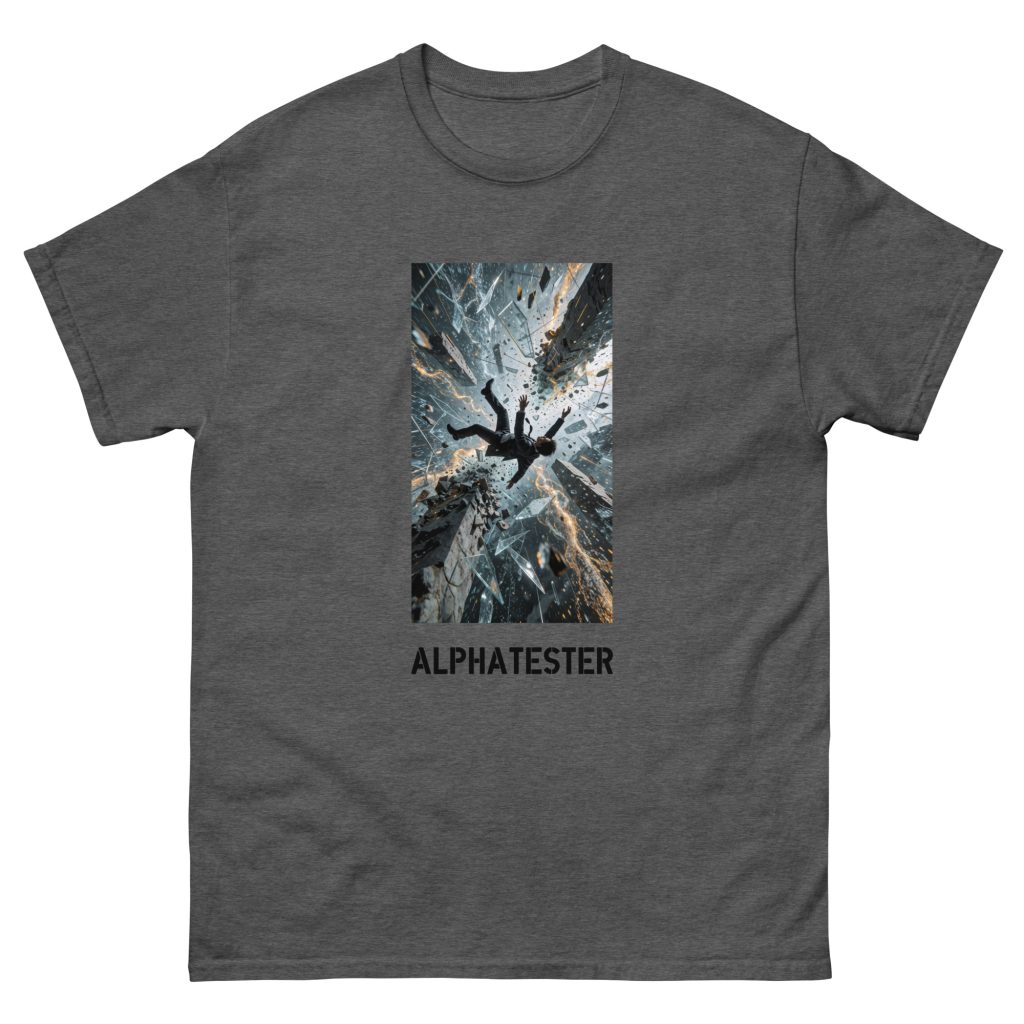
ALPHATESTER falling through T-shirt
14,99 € incl. VAT, plus shipping