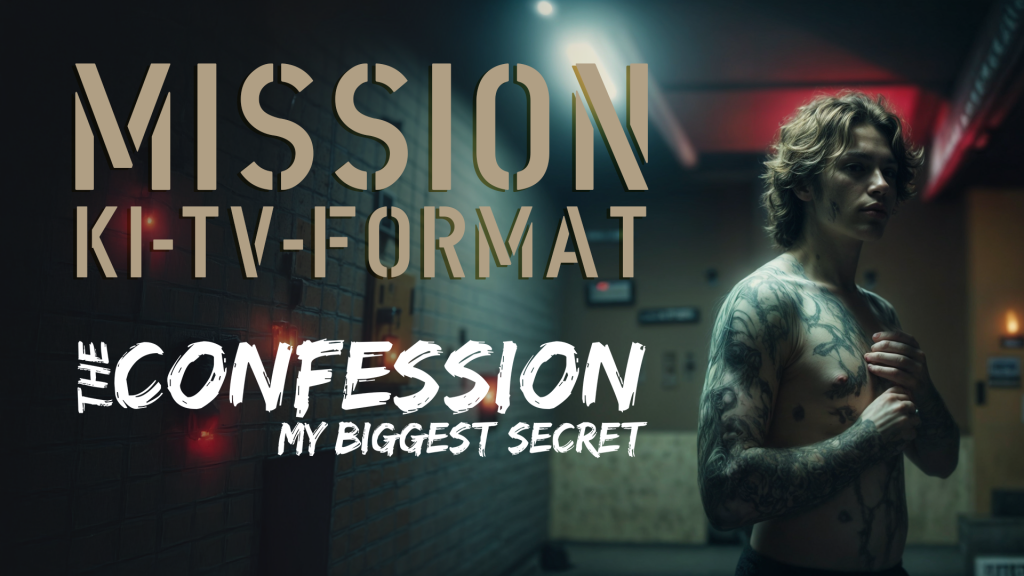
MISSION AI TV FORMAT
“THE CONFESSION – MY BIGGEST SECRET”
Producing a TV format entirely with AI. Sounds totally crazy.
But on this journey, my friends, I’m taking you along over the next few weeks.
Mission: AI TV FORMAT Today we start this new series with the idea, the project. And why I think such AI formats will shake up the TV and streaming landscape quite a bit. Imagine you were to create a TV format – with not a single camera, not a single actor, no sets, but with a technology that changes everything.
The name of our format is: “THE CONFESSION – MY BIGGEST SECRET”, and what we plan to do with it is groundbreaking: a show in which real secrets are told by AI avatars. The stories aren’t acted out by actors but by digital avatars that look so real you’ll forget they aren’t real at all.
What’s special? No camera, no sets, no location shoots. Everything is created digitally – from the concept to the voices, the cutaways, right down to the avatars. And that’s just the beginning. In the coming weeks I’ll guide you step by step through the creation process: how we select the stories, create the AI avatars and implement the entire project from A to Z.
I’m excited about the journey ahead. And I’m even more curious
how you like “THE CONFESSION – MY BIGGEST SECRET” .
First I’ll show you my pitch for the format.
Oh yes – I’m creating the new format “The Confession” in English.
We’ll build a German version and possibly other language versions once it’s finished.
I have the pitch for “THE CONFESSION – MY BIGGEST SECRET” here in German for you.
What do you think of the idea, the concept?
Do you think it can work?
I’ve already done a few test runs with the AI avatars for “THE CONFESSION – MY BIGGEST SECRET” and it looks pretty promising!
Here’s a first impression:
I’ve already put together a trailer for the format – you can watch it here:
Mission AI TV Format. “THE CONFESSION – MY BIGGEST SECRET”
In the coming weeks we’ll build our very own TV program.
I’m happy to have you along.

Mission AI TV Format | Episode 02 | The Tools 🚀🎬
A half-hour TV show, produced entirely with AI.
No cameras, no actors – just the truth!
🔹 Real stories, told by AI avatars.
🔹 An AI host guides you through the show.
Today we get down to the nitty-gritty: Which tools do I use?
🎙 Hume AI – for natural, expressive AI voices.
👤 KREA AI – to create realistic avatars.
🎭 HeyGen – for lip sync & avatar movements.
✂️ DaVinci Resolve – for the final edit with a multicam workflow.
The goal: A realistic, gripping TV format that feels like real television.
I also mentioned Kevin Kelly’s book in the episode:
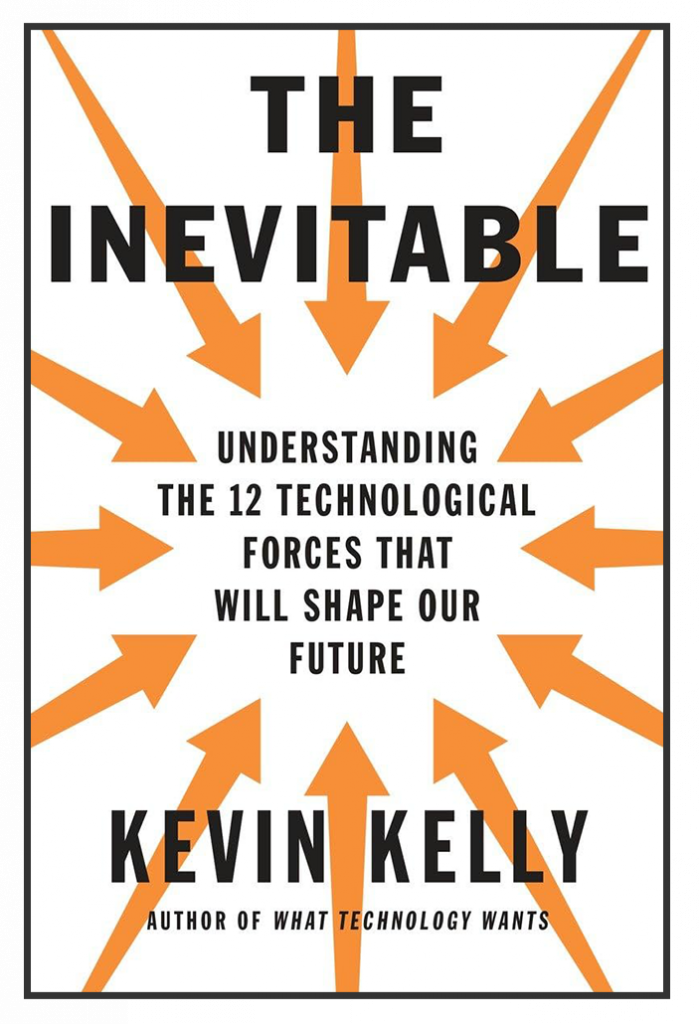
THE INEVITABLE
by Kevin Kelly describes twelve technological trends that will inevitably shape our future. They include artificial intelligence, virtual reality, the sharing economy, automation and personalized on-demand services. Kelly argues that these developments are unstoppable and that we should actively shape them instead of fighting them.
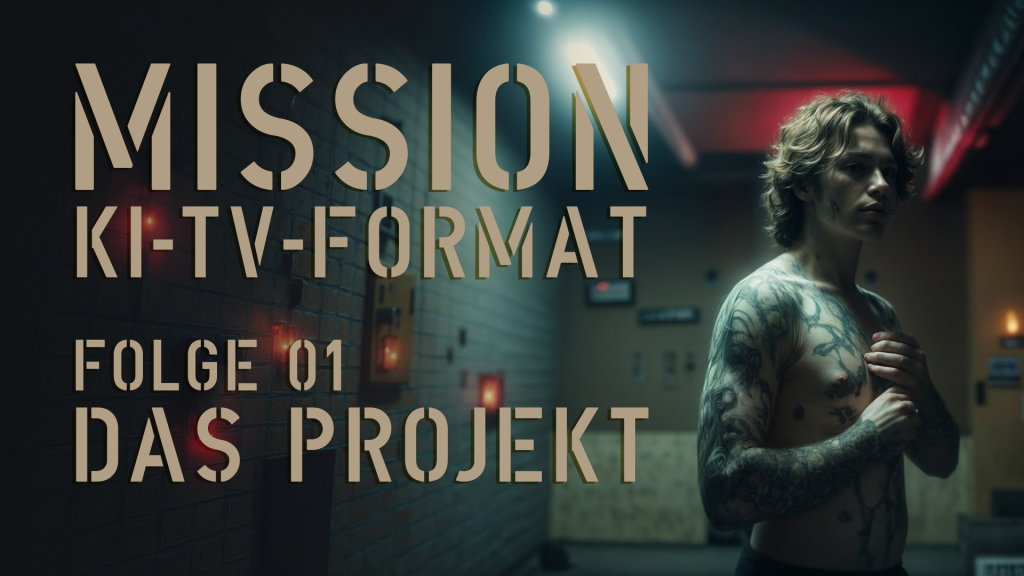

Mission AI TV Format | Episode 03 | The Secrets
ATTENTION friends!
Now it’s time to join in.
I need your secrets!!
THE CONFESSION – MY BIGGEST SECRET lives on stories.
And it gets even more exciting when the stories come from you.
At secrets.rabbitfire.de you can now submit your confessions anonymously.
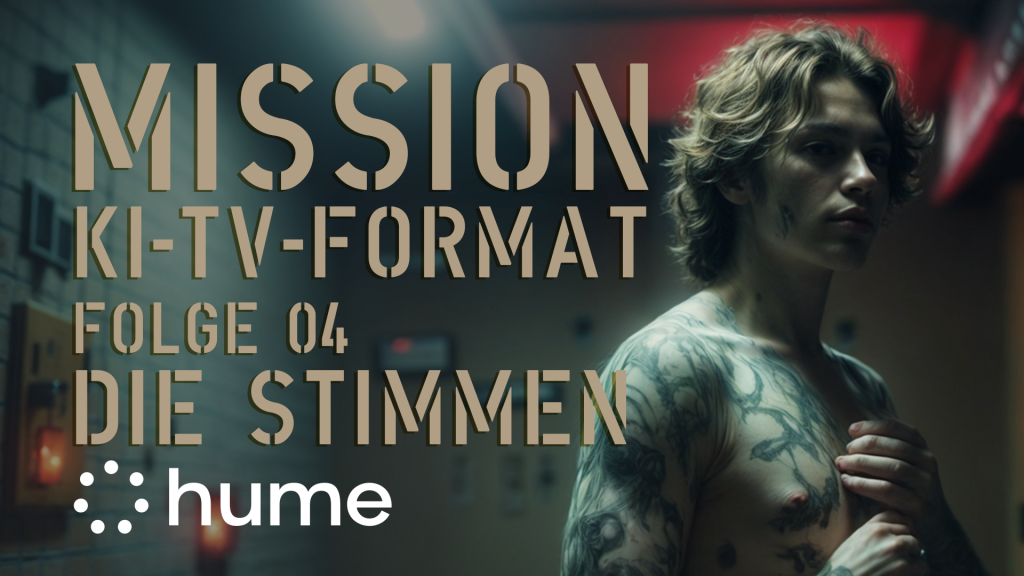
Mission AI TV Format | Episode 04 | The Voices | hume.ai
We’re here at ALPHATESTER, and as the name says, I like to test all sorts of stuff: editing software, AI tools and everything with a plug.
By now my channel is big enough that companies take notice of me. I’m always happy to get requests, even if I can’t make every video.
One collaboration I pursued myself is with Hume.AI.
In my opinion Hume.AI currently delivers the best model for natural, emotional voices. All the happier I am that this collaboration worked out. For my current Mission: AI TV FORMAT I now have all the credits I need to bring the stories for “THE CONFESSION – MY BIGGEST SECRET” to life.
🧪 By the way, you can try hume.ai yourself too: https://try.hume.ai/d6e1as63frla
Today we take care of the voices. Maybe the most important point in the whole production. If you can close your eyes and aren’t sure whether what you’re hearing is real or AI – then it’s right! That’s the point I’d like to reach with you today. Because today we’re choosing the voice for our host.
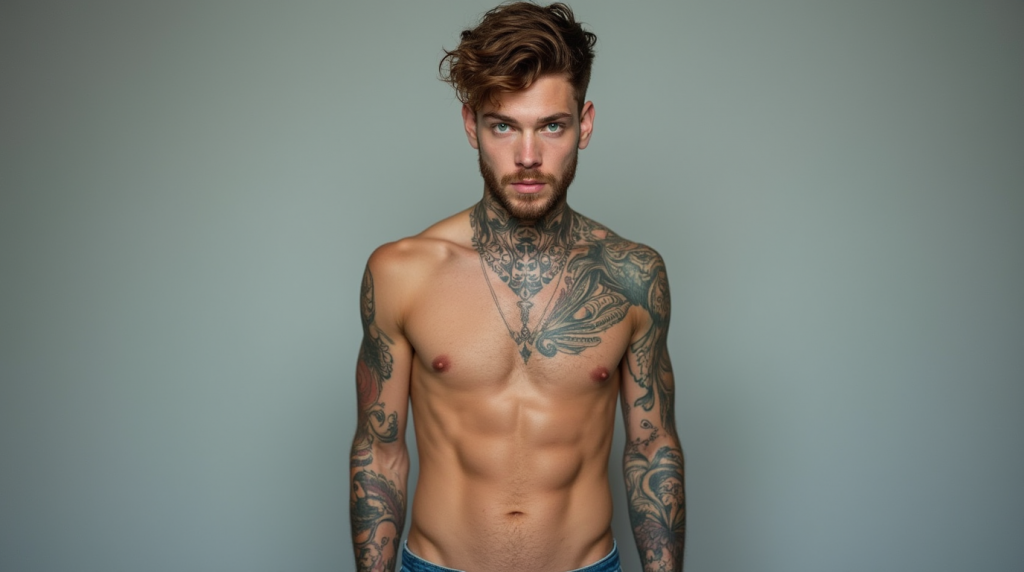
We now need a voice for Tom, our AI host. For that I drafted a short profile of Tom: he’s about 25 years old, tattooed on neck, chest and arms, short brown curly hair, green eyes. He very often has no T-shirt on, because after all he wants to show off his gym body.
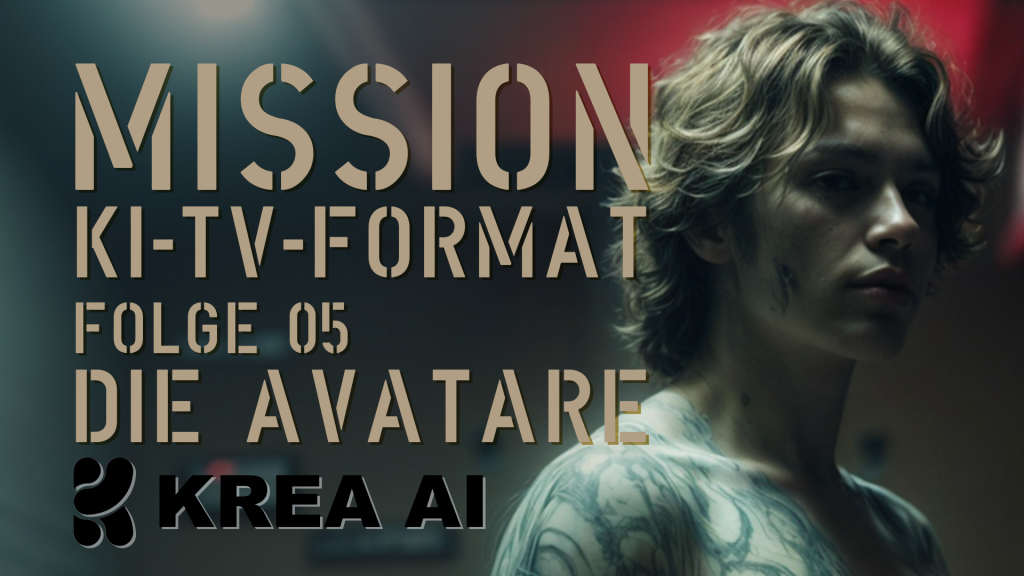
Mission AI TV Format | Episode 05 | The Avatars | KREA.ai
Here we go, folks, I’m launching KREA.AI . KREA.AI has long been my go-to AI tool for generating images. Always the foundation for me. Sure, I’ve also experimented with text to video – but that workflow doesn’t work for me. I wait minutes for a single video, only to prompt again and wait again. I’d rather have 4, 8 or 80 images generated in no time until I have the perfect source material for me, and only then does video generation start.
That’s how I did it here too. For the newest story I need a 25-year-old teacher. And I wanted her standing in the classroom. I found this result great – but during upscaling a well-known error crept in. Hands apparently are still a big problem… So, keep prompting. By the way, I’m a big fan of simple prompts. “a 25-year-old teacher in front of the class” I don’t first have to define the lighting mood and think up what should be written on the board.
If I need something special, I can add it later. That works in KREA.AI now with the new Flux Kontext. This model understands what it sees and “mostly” understands what you want from it. Here I quickly edited a photo of myself. My colleague Oli Portmann from Munich took it. Greetings!
The sign in the background bothered me – so I let Flux Kontext loose on it. And behold – sign gone as if it had never been there. OK – Photoshop can do that too, you say – true! I tried that here. In Photoshop, though, it’s always about selecting and then generating. In KREA.AI I hold a conversation. I don’t have to mark the sign to remove it. I don’t have to select the body to put a suit on it. I can simply say it. For me that is really one of the most impressive capabilities of AI. AI increasingly understands what I mean. Of course my way of asking is also getting better. But not to that extent! I’m most aware of how fast things are moving when I talk to my Amazon voice assistant. That feels like the Stone Age. YES – I can control my lamps by voice with it. Play music. Make calendar entries. But as soon as it gets a bit harder, the built-in intelligence is at its end. And that’s frustrating, since we’re now used to ChatGPT interaction. I can’t simply correct my voice assistant: just a small example: the wrong artist gets played. I can’t say: hey voice assistant, wrong artist, I’m looking for XYZ. But I digress… sorry.
So we have our teacher – she looks fitting, doesn’t she. This is now my source material. With it I go to Photoshop next. I want to turn this one perspective into three. A wide shot, in which you see even more of the room. The shot we got from KREA.AI and a close-up shot. The close-up is easy – I just have to zoom into the image a bit. For the wide shot we generate the room around her. Here too there are always spots that look “not real” and need to be reworked. But that’s how I buy the shot.
So now we have 3 images that we bring to life in HeyGen. I’ll make a separate episode about HeyGen. Today, though, I’ll show you the basic principle.
In HeyGen you go to create new avatar and upload the 3 images. Now you can already have the avatar speak text or uploaded audio. But there’s also AI Movement, new recently. That is: before I let the avatar say anything, I already give it movement patterns. There are ready-made presets like “Talking naturally”, i.e. normal talking, which I also chose for our teacher. But there are also presets like “Keynote Speaker” or “News Channel Moderator”. Or I enter my own prompt.
I then use my newly created teacher AI motion preset together with the voice from hume.AI. Hume AI is still the best speech model for “real”-sounding voices for me. Give it a try. The link is in the description – you can test it for free. And in episode 4 you can take another close look at it.
HeyGen rendered our 3 shots and I download them to import into DaVinci Resolve. By the way: why I love HeyGen so much and don’t do my lip-sync things directly in KREA.AI , which also offers it. With HeyGen I have no render limit. Well – almost – with my account I can export any number of 5-minute clips. If I run that through KREA.AI , my credits for the month are used up…
I’ll also record a whole episode on DaVinci Resolve, my editing software. Here’s the short version: from my 3 clips with the 3 shots I make a multicam. So I combine all 3 clips into one in which I can switch the camera perspectives live WHILE PLAYING. Of course that also works in “normal edit mode”. For the show I’ll then generate more cutaway images like this one in KREA.AI . So you don’t see the teacher all the time, but she tells her story and the story is illustrated. That’s really one of the last steps of our journey, though. We don’t know yet which stories will make it into the pilot episode. So keep your secrets coming!